1
Balanced partner rotation
Tracks completed partnerships and personal partner cycles while avoiding immediate repeat partners.

Doubles session scheduling
CourtTempo helps your group manage players, courts, matchups and waiting turns from one simple session screen. Spend less time figuring out who plays next and more time playing.

Built for the coordinator
CourtTempo keeps the session easy to run while tracking the details that are hard to manage by hand.
Tracks completed partnerships and personal partner cycles while avoiding immediate repeat partners.
Maintains the session waiting rotation, honors Wait Next Game, and makes only the minimum adjustment when a legal matchup requires it.
Review completed games, edit court positions when needed, update attendees or courts, and keep completed history intact.
Inside the app
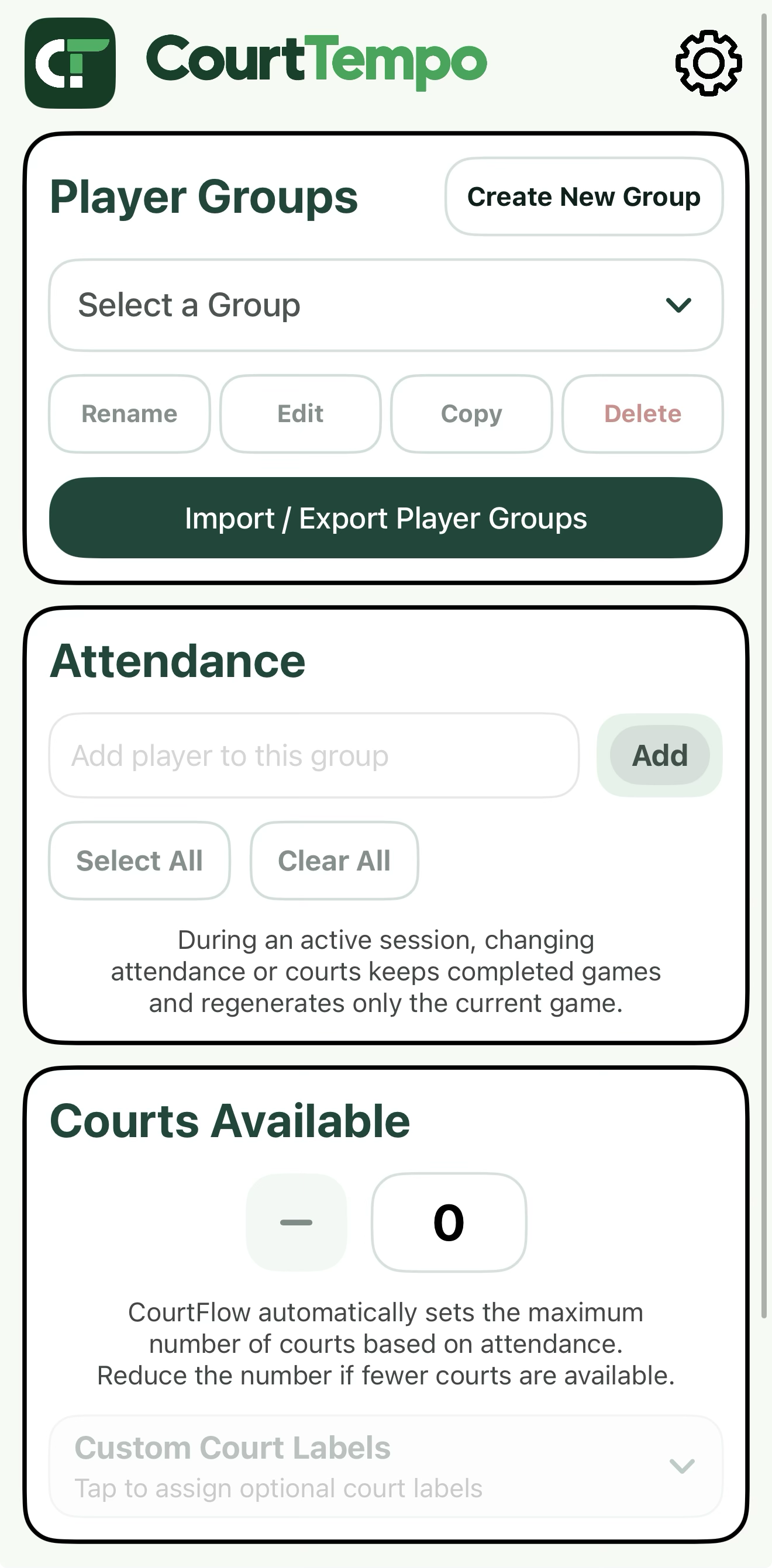
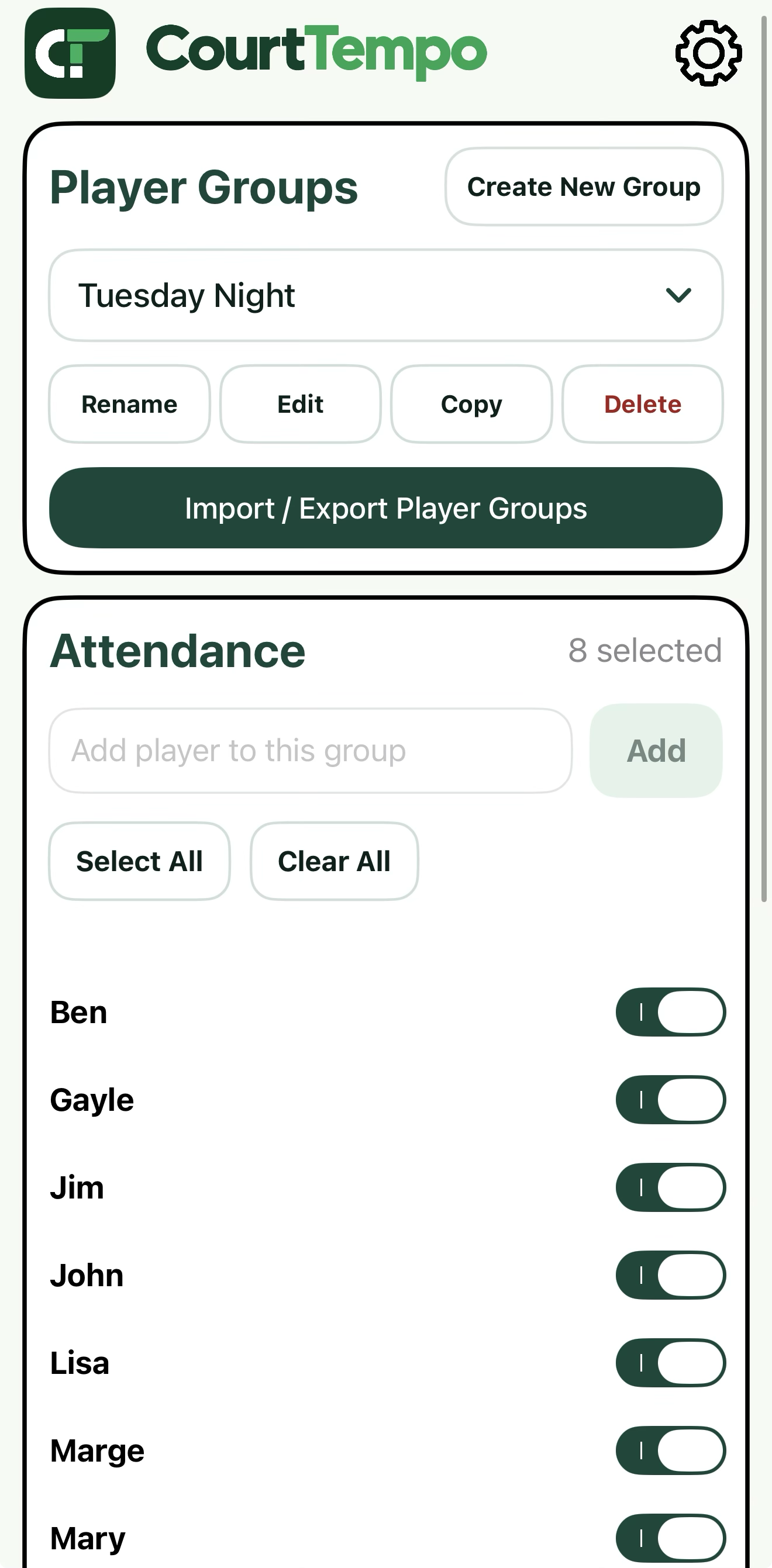
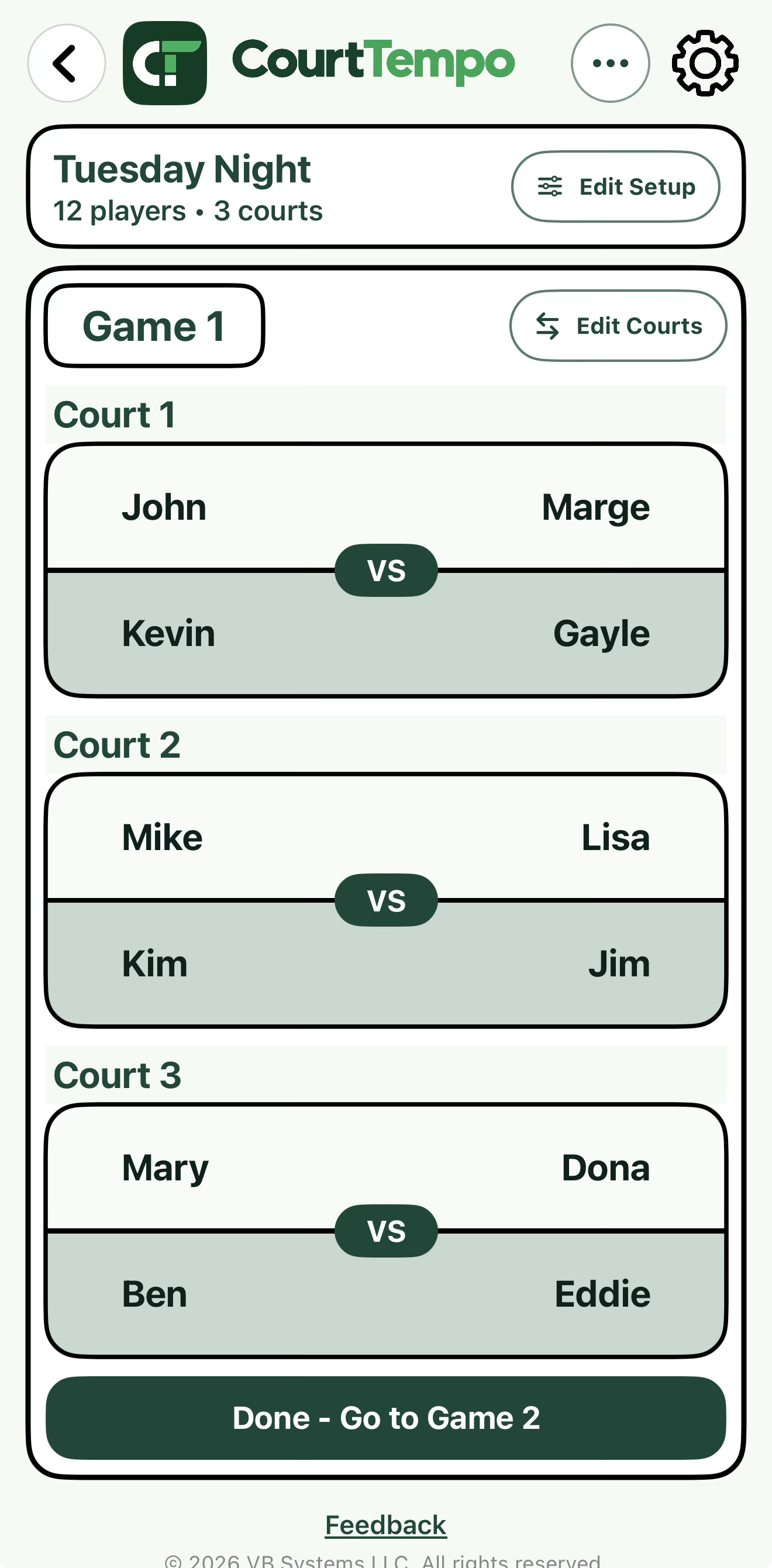
CourtTempo keeps the core session workflow in one place — build your player group, confirm attendance, and move directly into live court assignments.
Screens rotate automatically about once per second.
Get started
Use the short setup guide for game day, or open the full guide for all CourtTempo features.
A short, game-day version of the guide: choose a group, set attendance and courts, start the session and keep play moving.
Open Quick StartDetailed instructions for Player Groups, attendance, courts, sessions, waiting, matchups, history, reports, import/export and troubleshooting.
Open User GuideCourtTempo
The iPhone app is designed to keep the core session workflow available without depending on an active internet connection.